
Major Changes
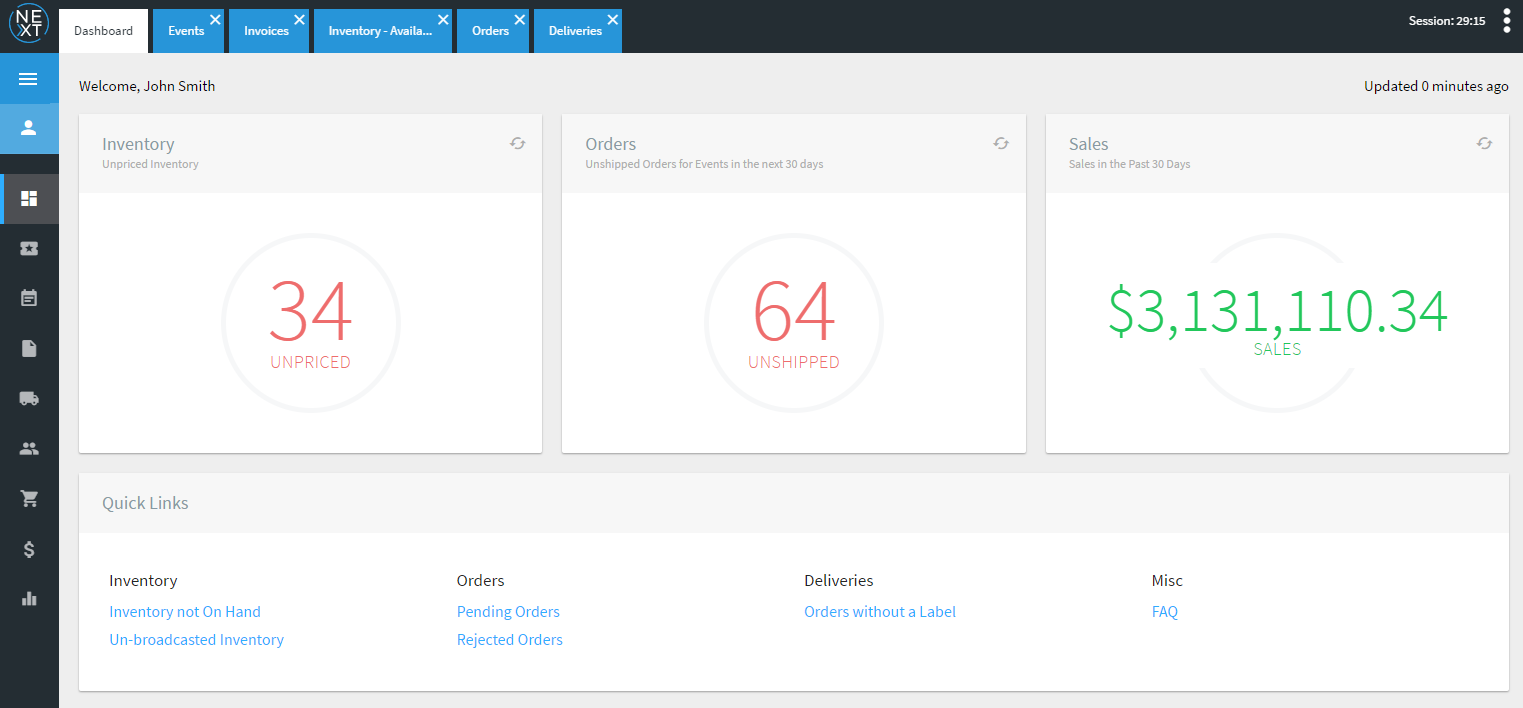
Dashboard View – Users now have an overview of activity within POSNext. View the top issues that require action and leverage the quick links to navigate to common tasks.
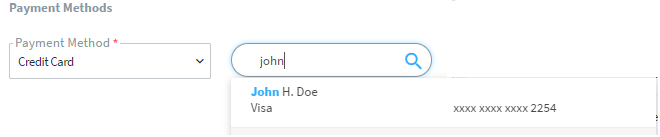
Users now have the ability to record payments via the last 4 digits of credit card (business and customer) for both selling tickets and creation of purchase orders
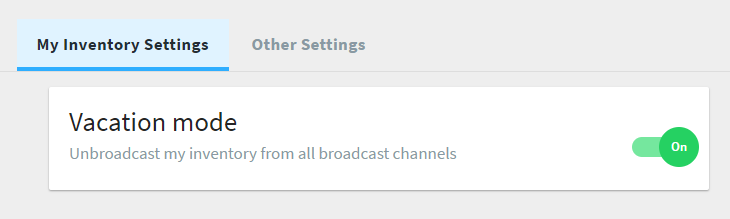
Account Settings >> Vacation Mode – Unbroadcast all inventory in just a few clicks to prevent orders from occurring when taking an extended break.
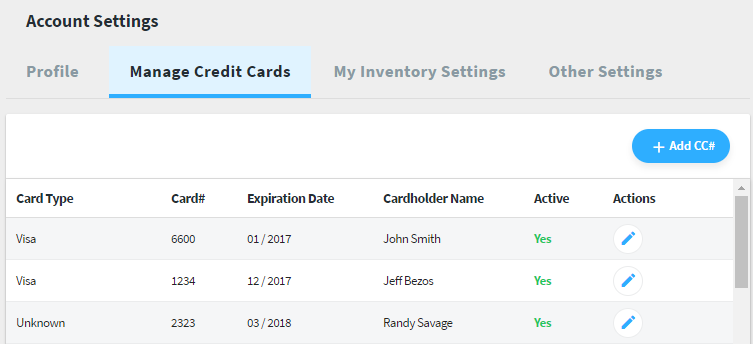
Users can now manage their credit cards (last 4 digits) used for recording transactions.
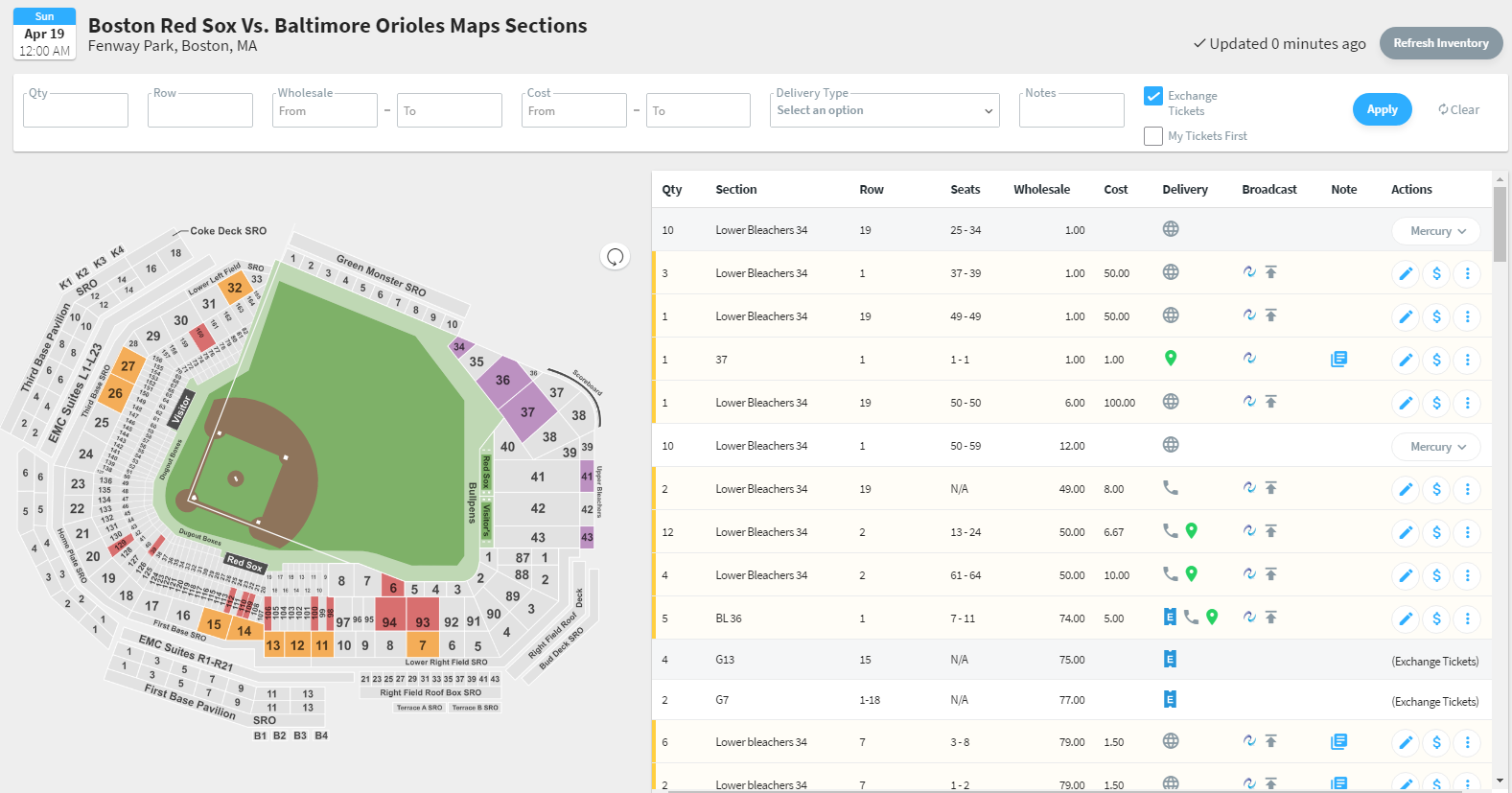
Interactive maps – Manage events using the interactive map system. Find seats quickly and easily, re-price, edit and purchase directly from other brokers using Mercury.
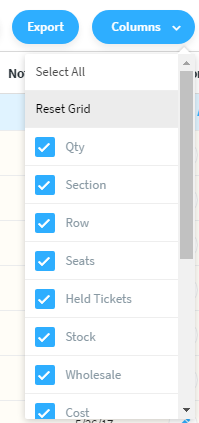
Ability to export all grid views to Excel Spreadsheet for offline viewing. Users also have the ability to add/remove columns for the session to maximize grid space.
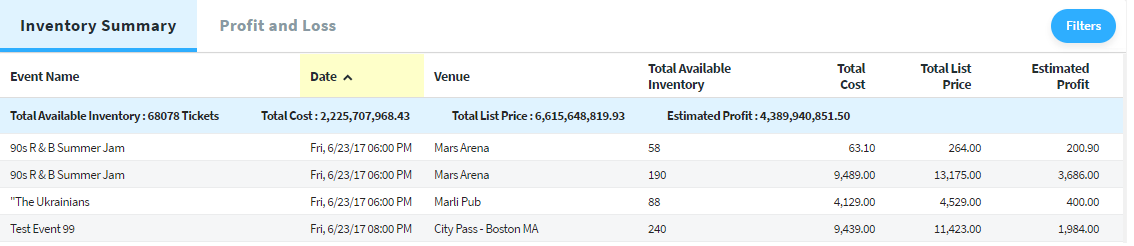
Reporting Beta – Inventory summary report provides a high level snapshot of upcoming events and their available inventory. The Profit/Loss Report displays the profit/loss on a per transaction basis of previous sales.

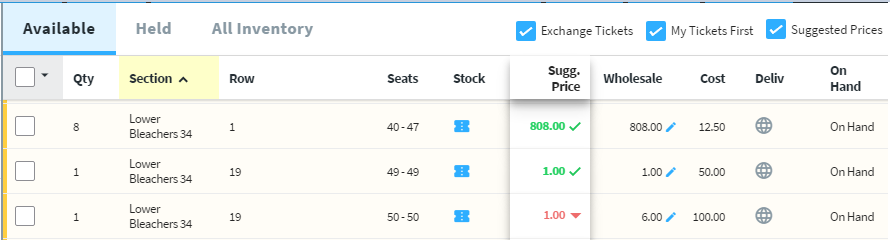
Suggested pricing – Unsure if you’re pricing too high or too low? Our suggested pricing tool compares your ticket’s location to other similar tickets listed on the exchange and recommends a competitive wholesale price that would appeal to customers. Clicking the price arrows will automatically adjust the pricing for you. This logic gets you in the right ball-park and allows for additional fine tuning to help sell your tickets faster.
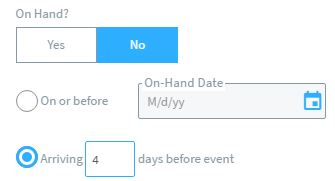
Inventory on-hand dates can be set with relative dates (e.g. 4 days from event start date)
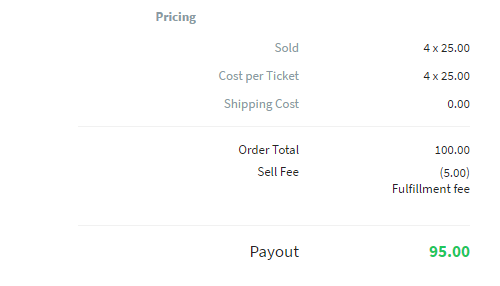
Order Details – Service fees are now disclosed for new Mercury and fulfillment orders
Design Enhancements
The multi-tasking experience has been improved with re-designed tabs. A bug that allowed users to open the same grid multiple times on different tabs has also been resolved.

User experience and workflow enhancements -Improved the ability to sort and read information on various grids. Also improved the ability to see items that are being manipulated to prevent the accidental closure of tabs, etc.
Add/Edit Tickets
- Create Purchase order now has option for searching/adding credit card to apply payment record
- Save previously entered seating info to add multiple similar tickets faster
- Queued inventory now only shows for user who created the tickets
- Broadcast channels can now be edited in bulk
Customer Management
- Updated Logic for “Retail” and “Vendor” filters
- Added additional columns to Customers Grid
- Updated logic for customer search to be able to return both vendors and retail customers
- Added support for international customers
Deliveries Management
- Improved readability and flow on the grid
- Added Event date and event name filters
- Inbound and outbound Grid Column and Filtering Updates
- Tracking labels are now clickable on the deliveries and order view
Inventory Management
- Added Purchase Order column to Inventory Grid
- Added ability to view purchase order action item on the inventory grid
- Prevent ticket groups from being deleted when associated with a PO
- Warnings are shown on significant pricing changes to avoid pricing mistakes
- Added ability to to update suggested Pricing on a single and bulk level
- Updated bulk edit tickets to allow for relative pricing adjustment
- Added ability to update ticket Group Notes
- Delete Ticket Group – Add warnings for when users delete ticket groups with sold tickets
- Quantity filter on inventory grid now respects split rules
Invoice Management
- Added Printer friendly view for invoice detail
- Added ability to manage payments on invoice
- Added ability to void invoice
- Added ability to refund partial and full payment
Order Management
- “Sell Tickets” now allows payment record to be added to sale
- Added tax field to sell tickets screen
- Added invoice info and actions to the grid
- Show discount from Mercury and fulfillment orders
- Added ability to cancel labels on the accepted tab
- Filtering by order ID no longer requires order type
- Added ability to update internal/external invoice notes
- Added “expand all” feature on the order notes detail
- Updated Details On Pricing Section
- Order type is no longer required when filtering on Order ID
Purchase Order Management
- Added Printer friendly view for PO detail
- Added ability to manage payments on PO
- Populate grid with PO data (Voided)
- Added ability to void PO